The journey
How it works
A QR code at the entrance to a cemetery, or sealed onto a grave, opens the page of the deceased: where they rest, their dates, and what their family has chosen to keep of them. The journey below follows the order in which the app presents itself.
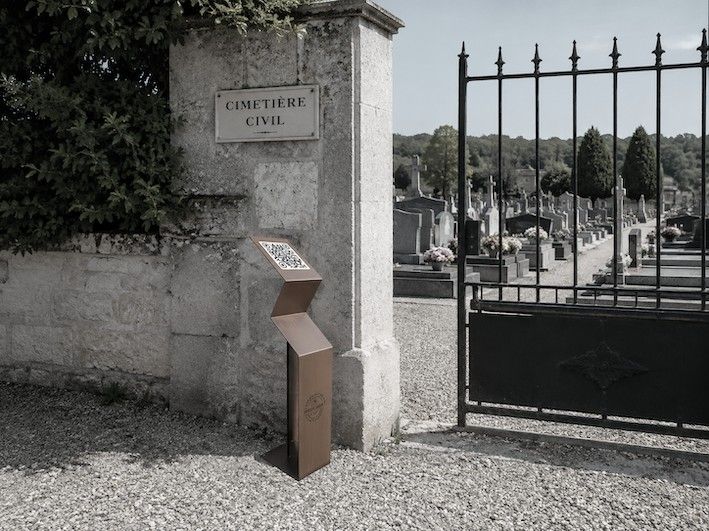
From the cemetery entrance to the grave
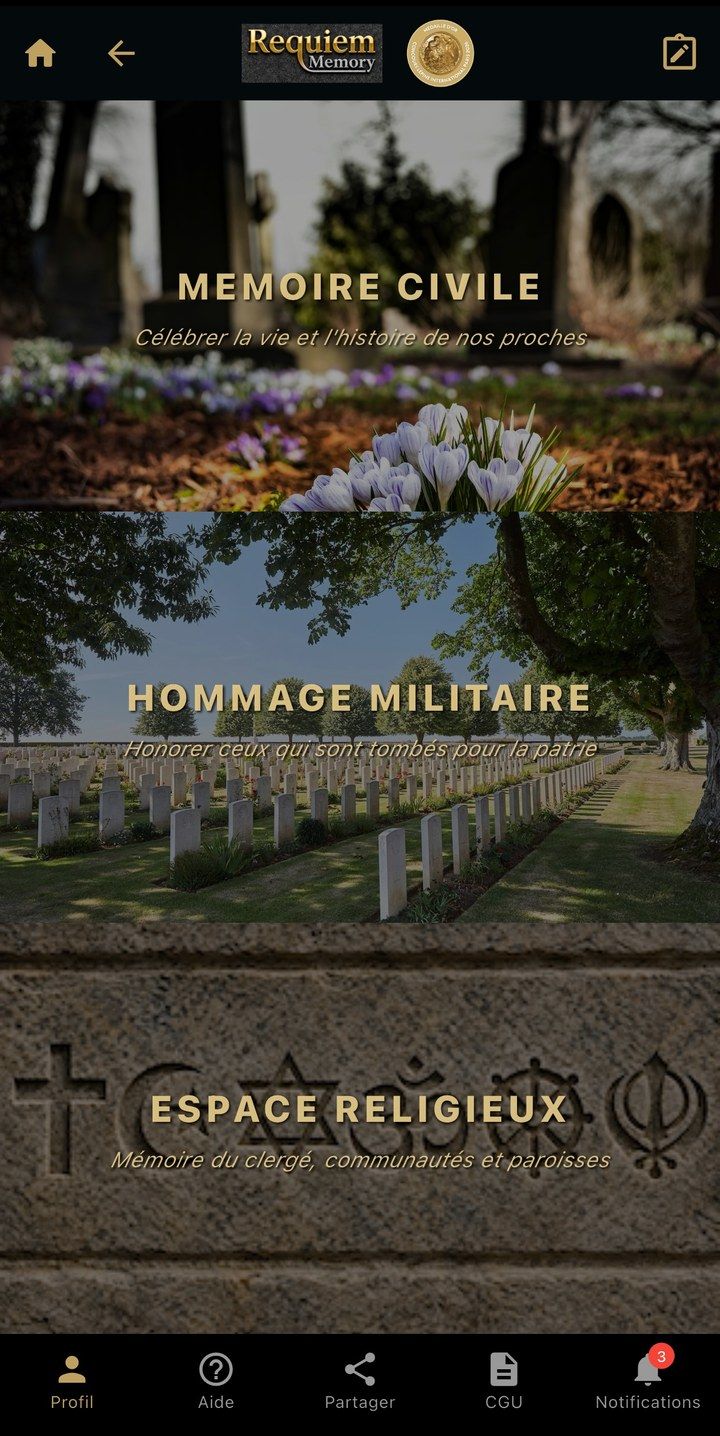
The app has three journeys: civil, military and religious. The choice below changes the screens and texts of the steps.
-
Step 1: Choosing an entry
The app opens on three entries: “Mémoire civile” (civil memory) for municipal cemeteries, “Hommage militaire” (military tribute) for military cemeteries and military plots, and “Espace religieux” (religious space), devoted to the clergy, religious communities and parishes.
-
Step 2: Scanning the QR code
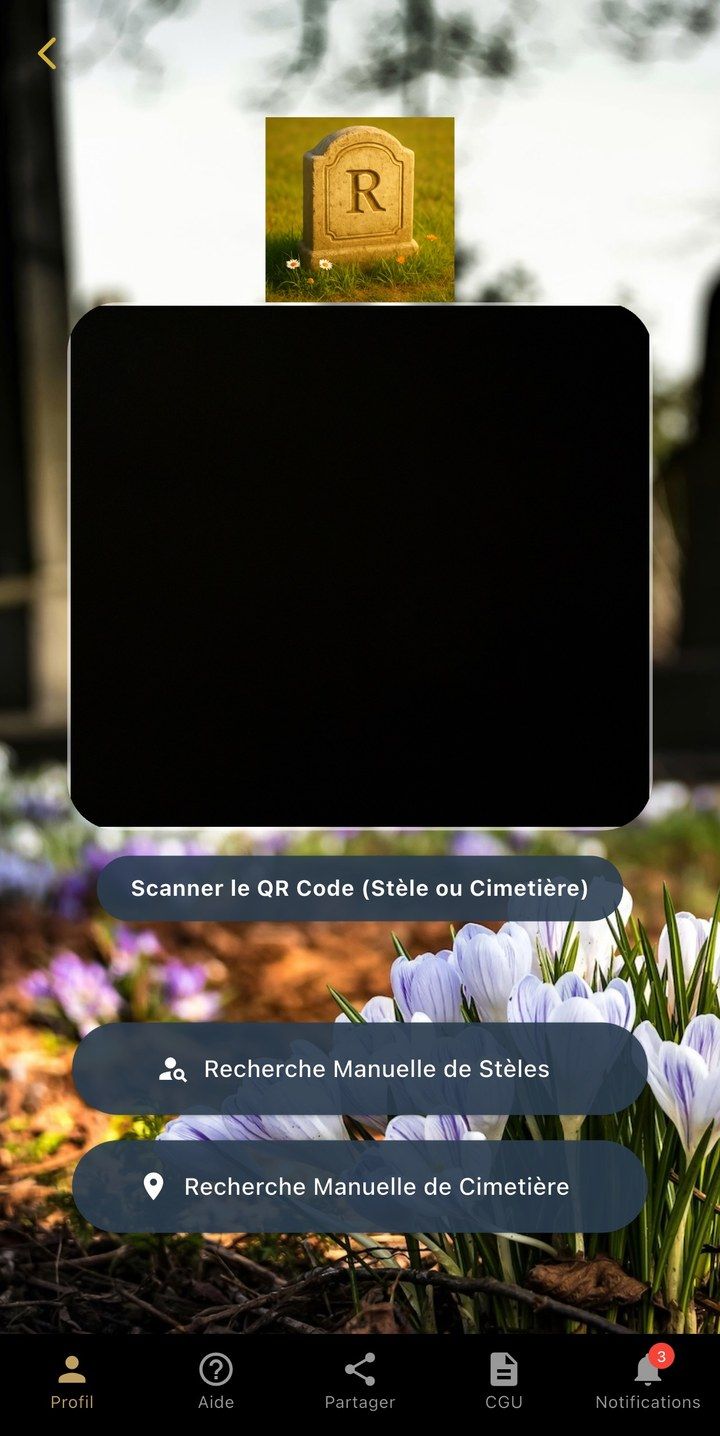
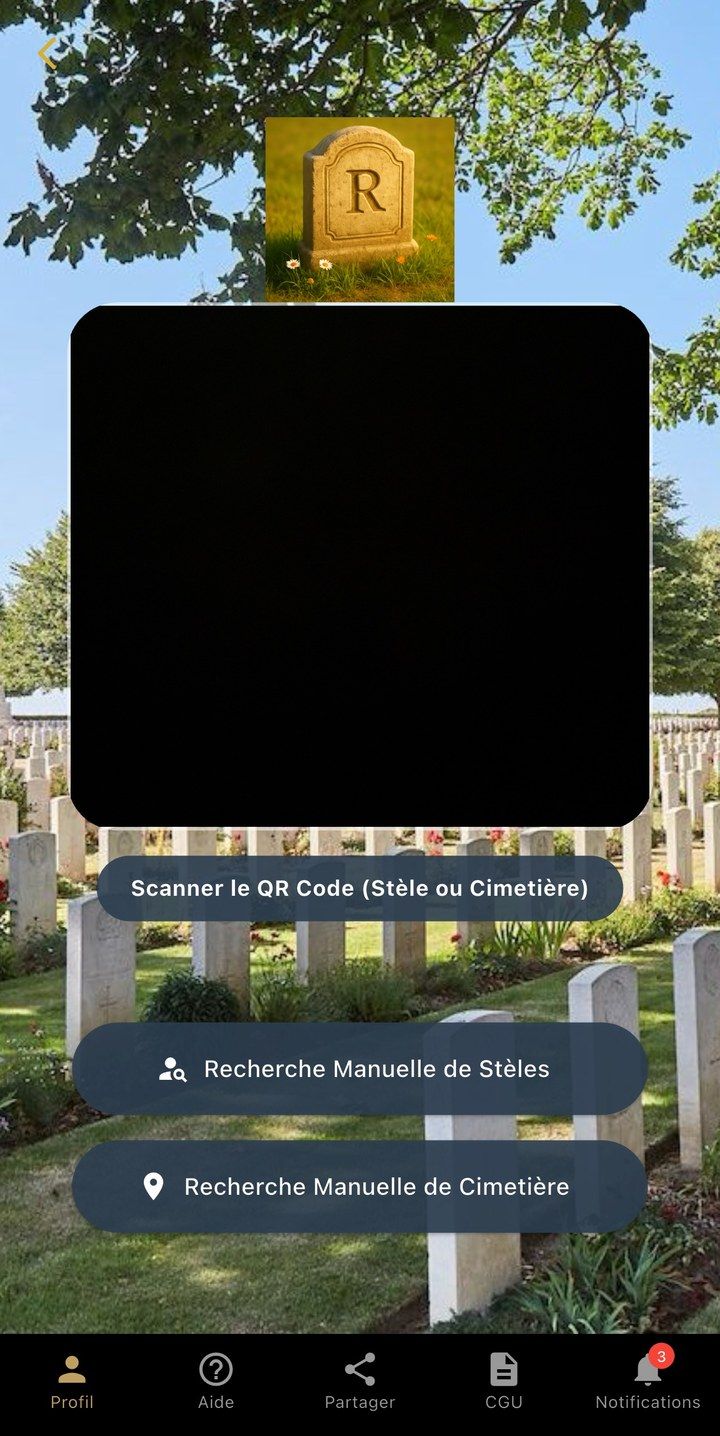
A QR code at the cemetery entrance opens the page of the cemetery; a QR code sealed onto a grave opens the page of the deceased directly. Searching by hand is still possible, by municipality or by name.
-
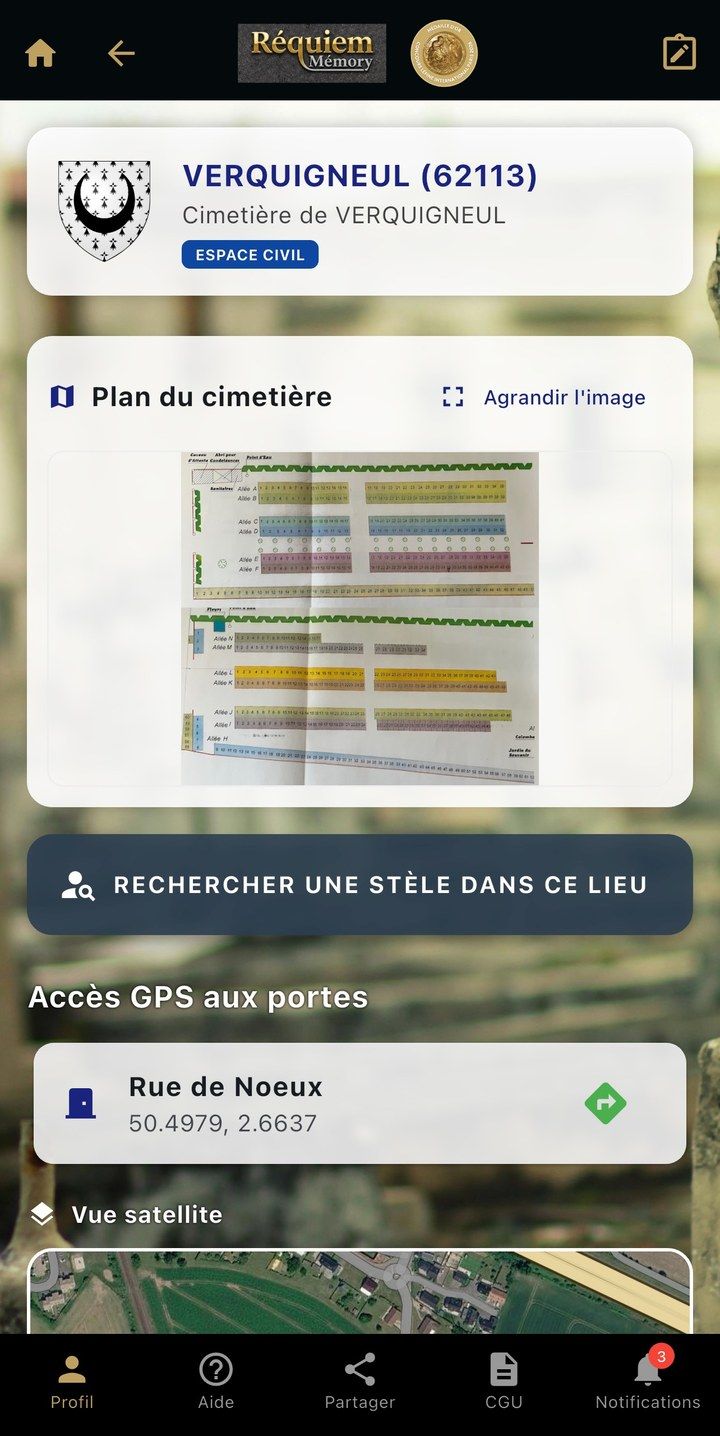
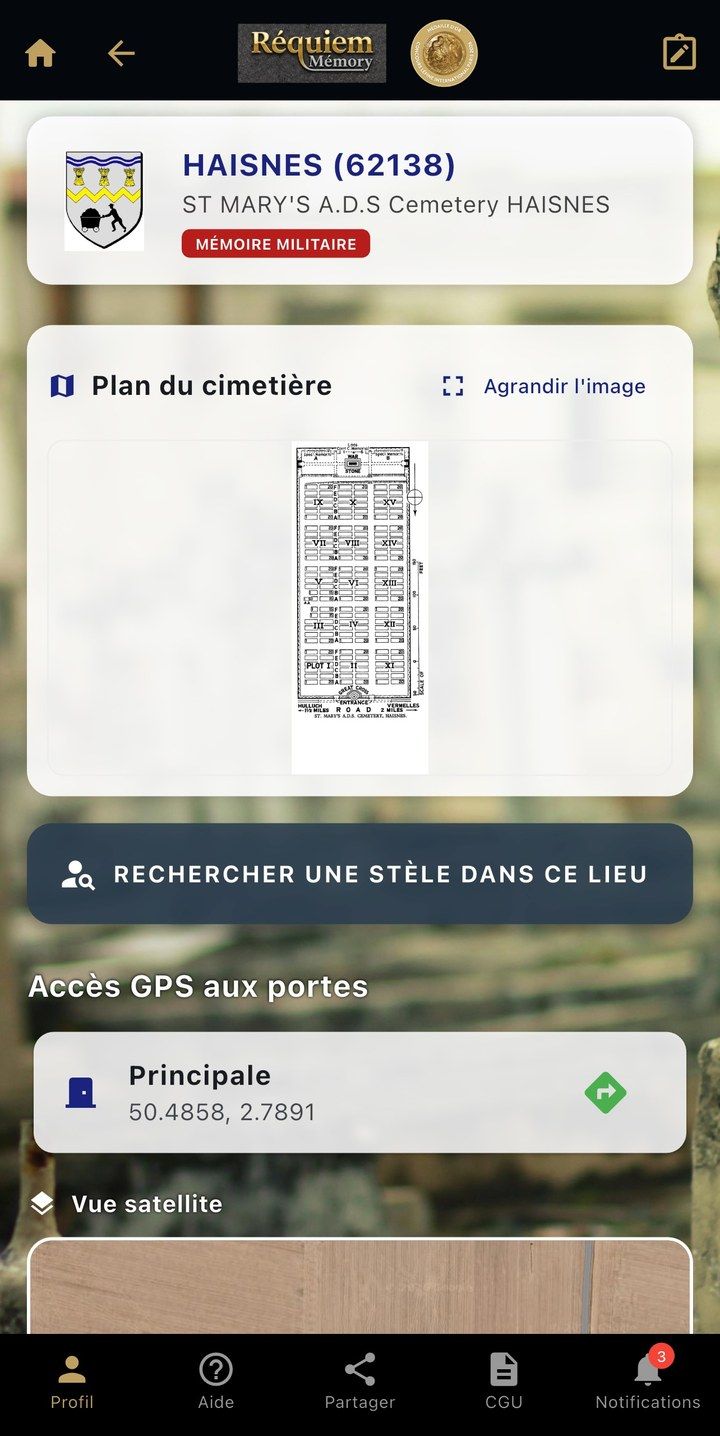
Step 3: The cemetery page
The name of the municipality, the plan of the cemetery and the location of its entrance. A button opens a search among those who rest there.
-
Step 4: Finding the deceased
From the third letter typed, the list of names narrows down. On each line, a “Localiser” (locate) button gives walking directions from the cemetery entrance.
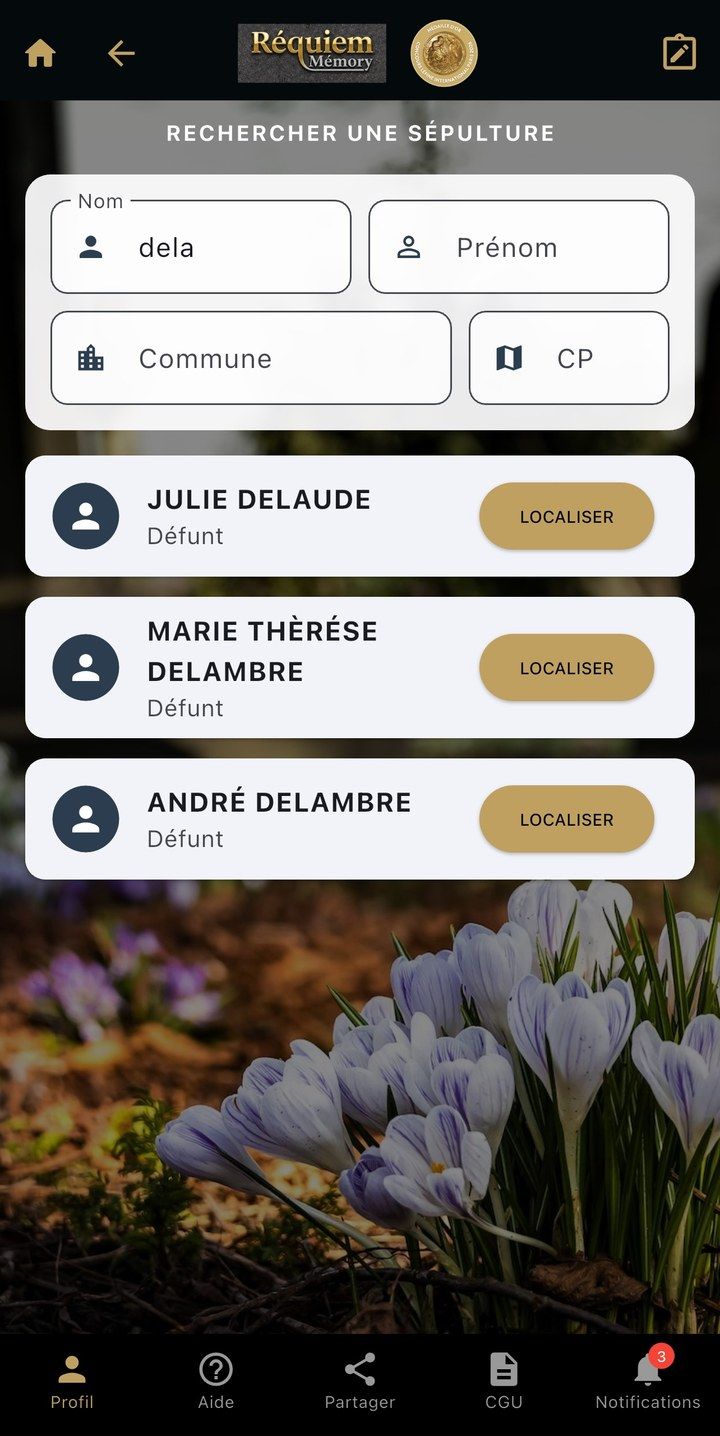
Demonstration record: the names are fictitious. 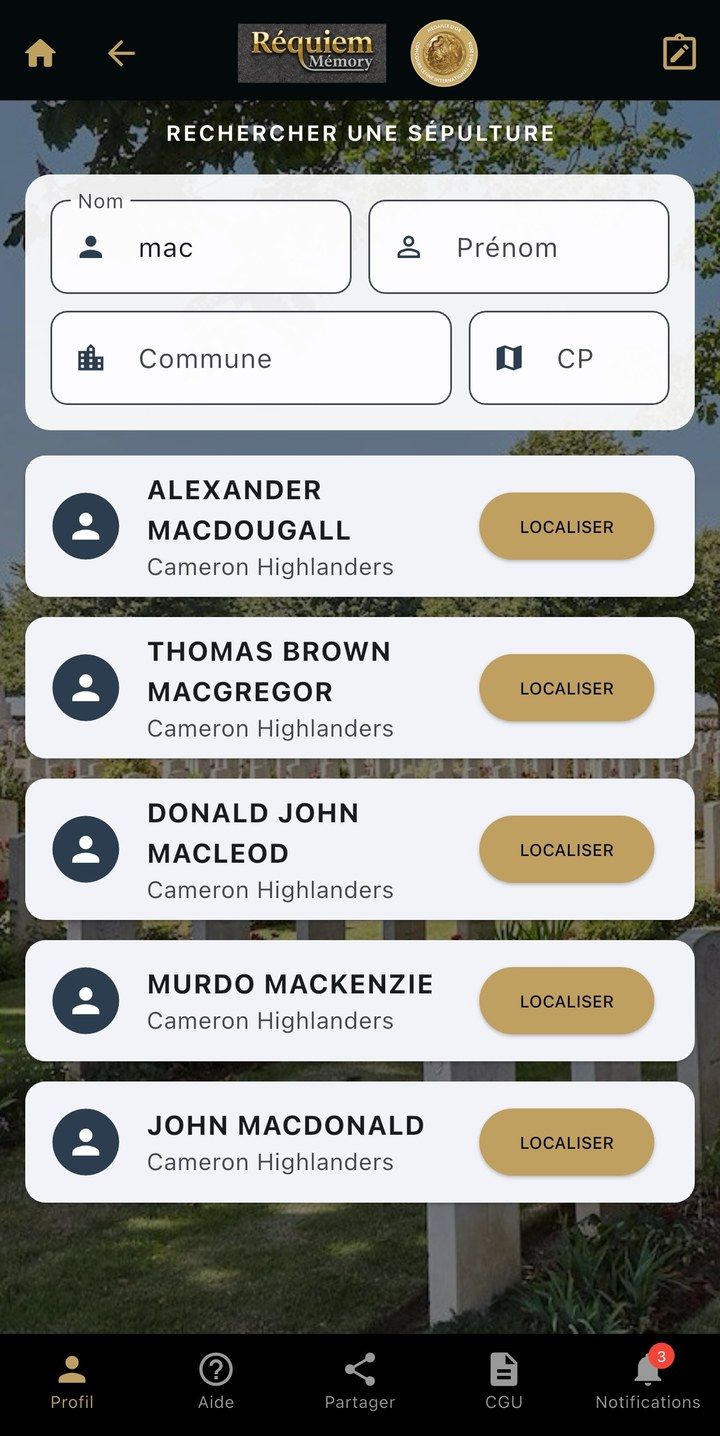
-
Step 5: The grave page
Surname, first name, dates of birth and death as the civil register gives them, and the location of the grave. From there open the biography, the memory book where the family adds its photographs, and links to the graves of other family members, elsewhere.
The same page, with the service number, rank and regiment added when the archives record them. The military journey ends here: it does not give access to services or partners.
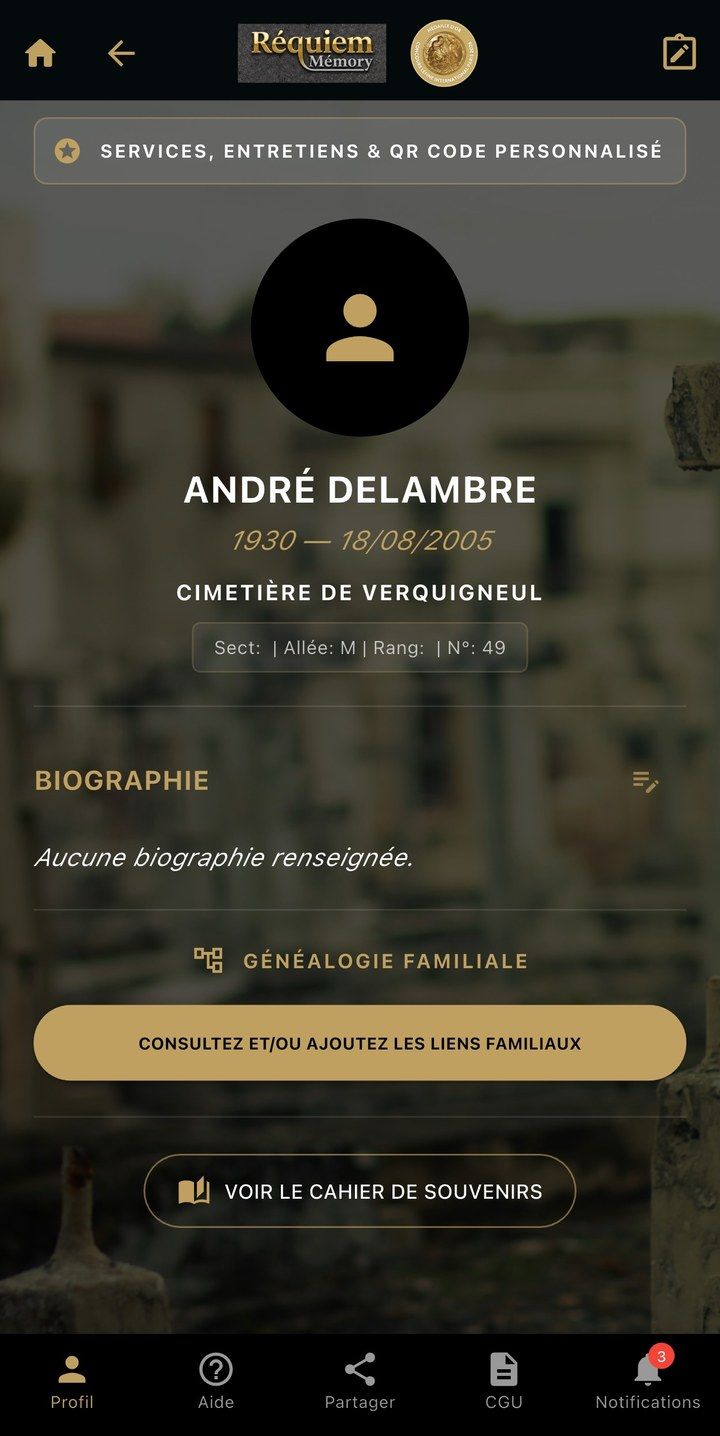
Demonstration record: the names are fictitious. 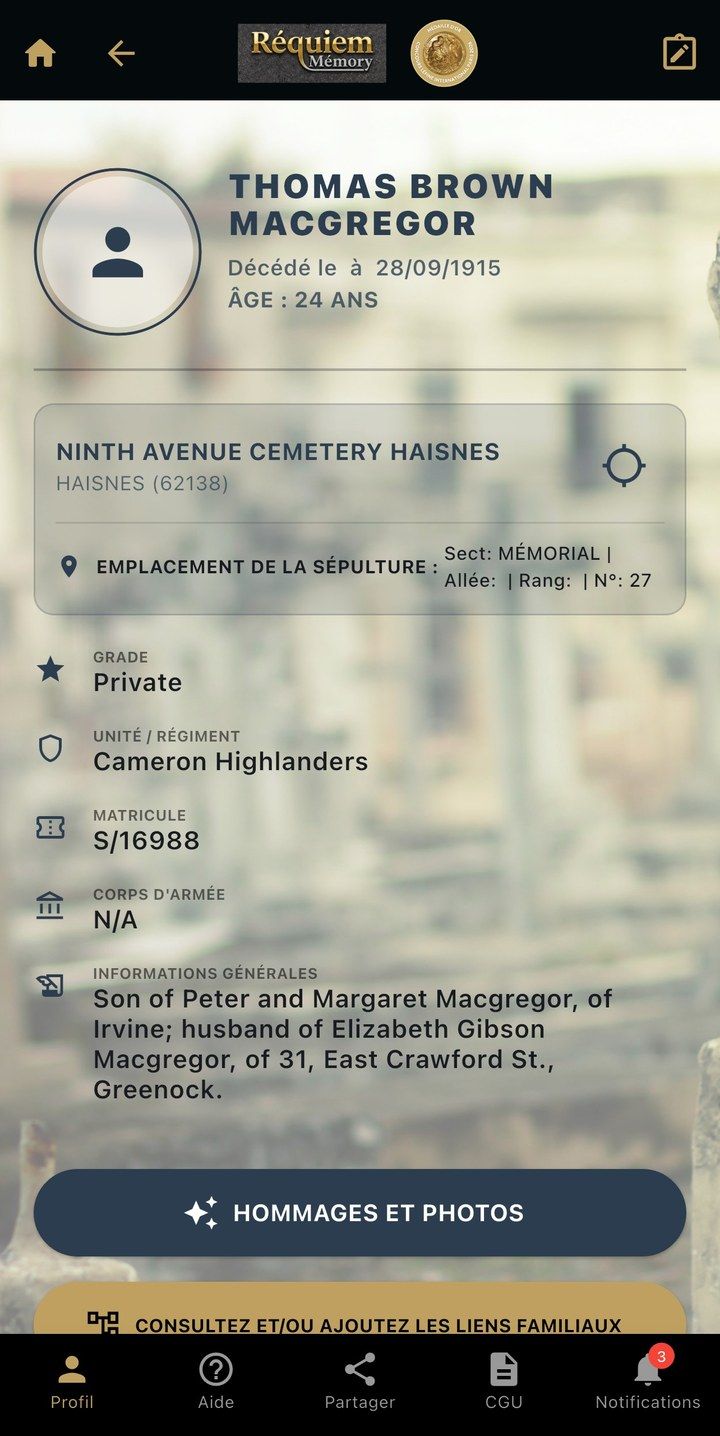
-
Step 6: The services
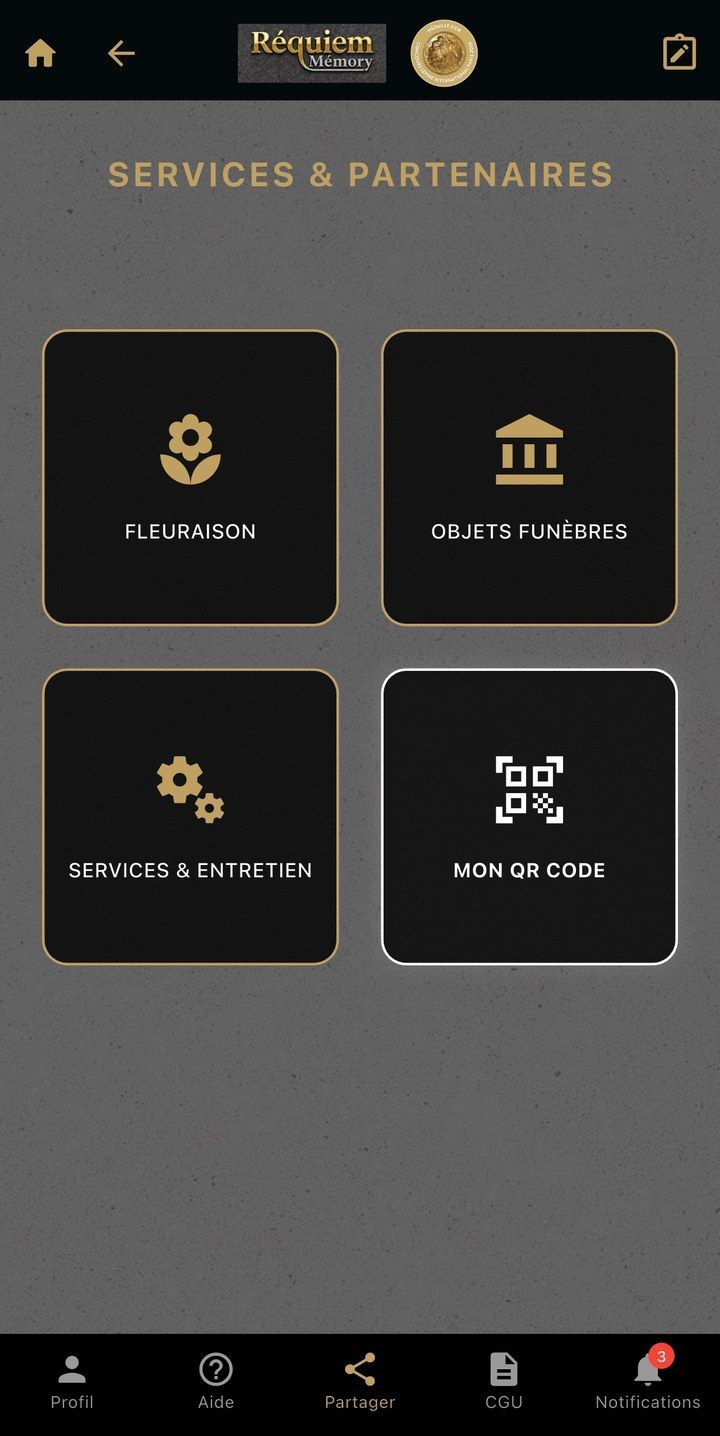
From the grave, a button will lead to the services: flowers from a nearby florist, plaques and funeral objects, upkeep entrusted to an association or a self-employed contractor for families who live far away, and the order of a personalised QR code to seal onto the stone.
Religious space
The third entry of the app is devoted to the clergy, religious communities and parishes. Its journey will be presented here soon.
And when there is no grave? The app is preparing to show the dead whose ashes have been scattered. What French law provides for the scattering of ashes.
Plans
Three levels
Looking up a grave (name, dates, location) requires no subscription. The options open up from the Discovery plan.
Free
No subscription
- QR code scanning
- Cemetery page, plan and location
- Searching for a grave and directions to it
Access to the options
Discovery
Coming soon
- Everything in the free plan
- Biography and memory book
- Family links between graves
- Services and partners
Premium
Coming soon
The content of this plan has not been decided yet.
App
Coming soon
By scanning a QR code at a partner’s premises or at a cemetery entrance, and from the app stores. The release will follow the filling of the databases.